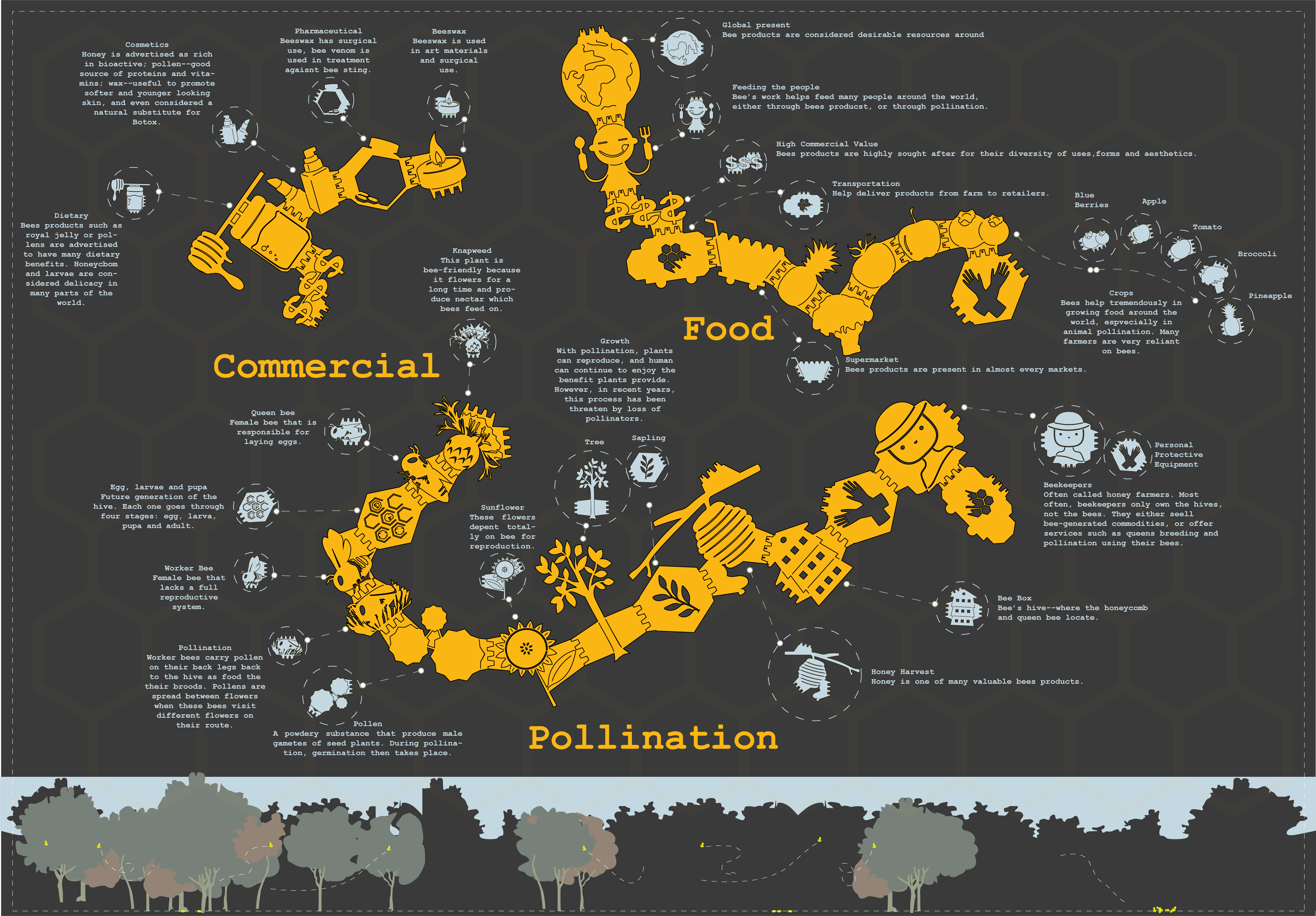
Medium: Adobe Illustrator
My schema for Art 103 group project. In this project, each member drew six shapes then put them together to form a pattern(s). Our group decided to build a project revolve around bee and I was in charge of making the schema to explain how the pieces are put together, as well as presenting extra information. Initially the design was to make a brochure, but I decided it would be interesting to make a pamphlet that include small facts about each piece. The more research I did on the bees, the more I was made aware of the negative impact we as humanity has on these critters (pesticide, abuse, etc). I included, at the bottom of the pamphlet, the illustration of the issue called "loss of pollinators" where bee's innate ability to navigate is damaged due to the impact of pesticide. I also mention helpful project that are being done to help bees increase in numbers.
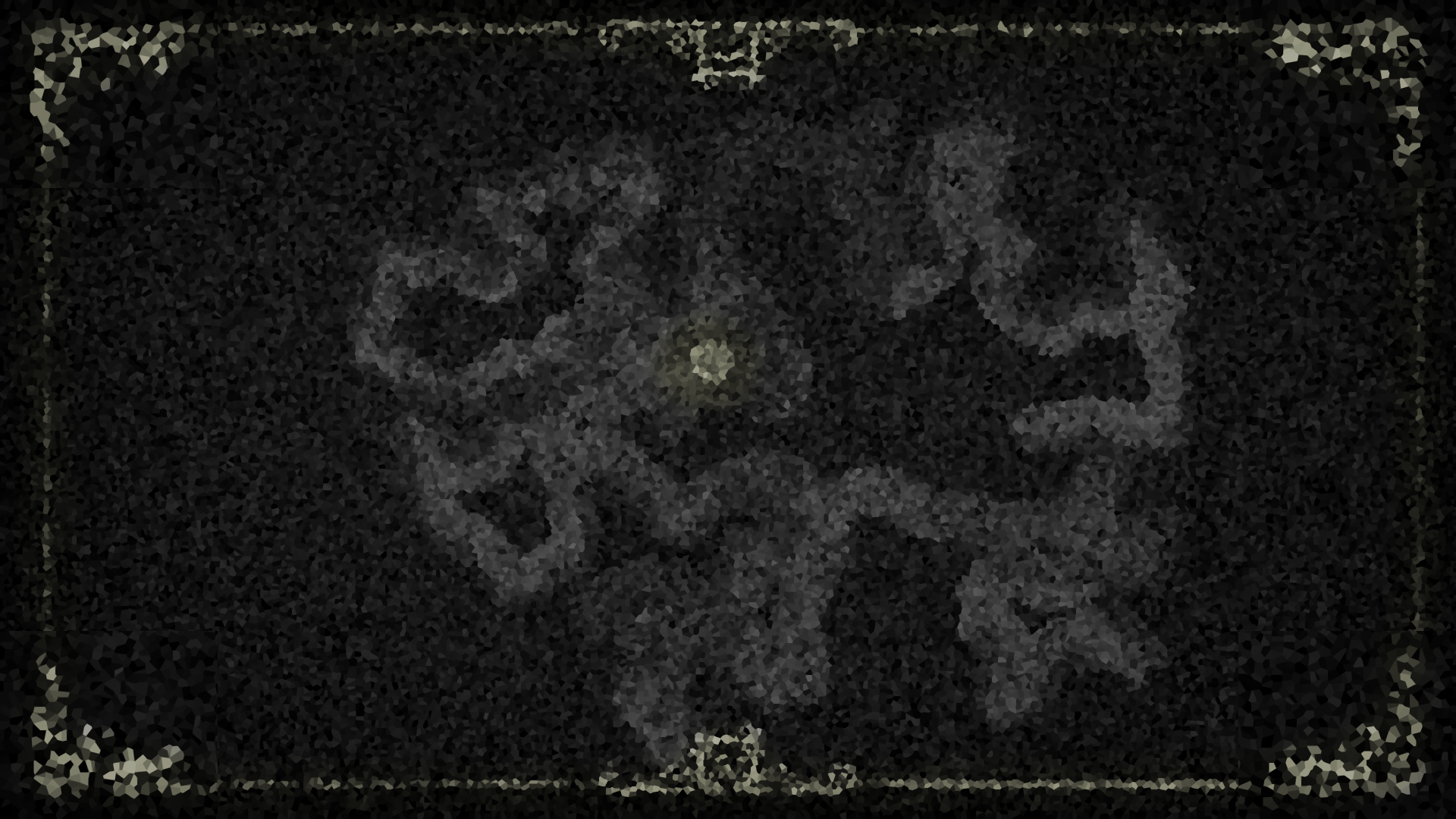
Medium: Adobe Illustrator, Adobe Photoshop
This is a photoshopped image done on the map of the game Don't Starve Together. I wanted to create an image of sort to use as background for my website. The image was taken when I tried to rush finding an island in the game called Lunar Island--the bright yellow spot is where the island is; I also added decorative piece to the four corners of the map.
Medium: Adobe Illustrator
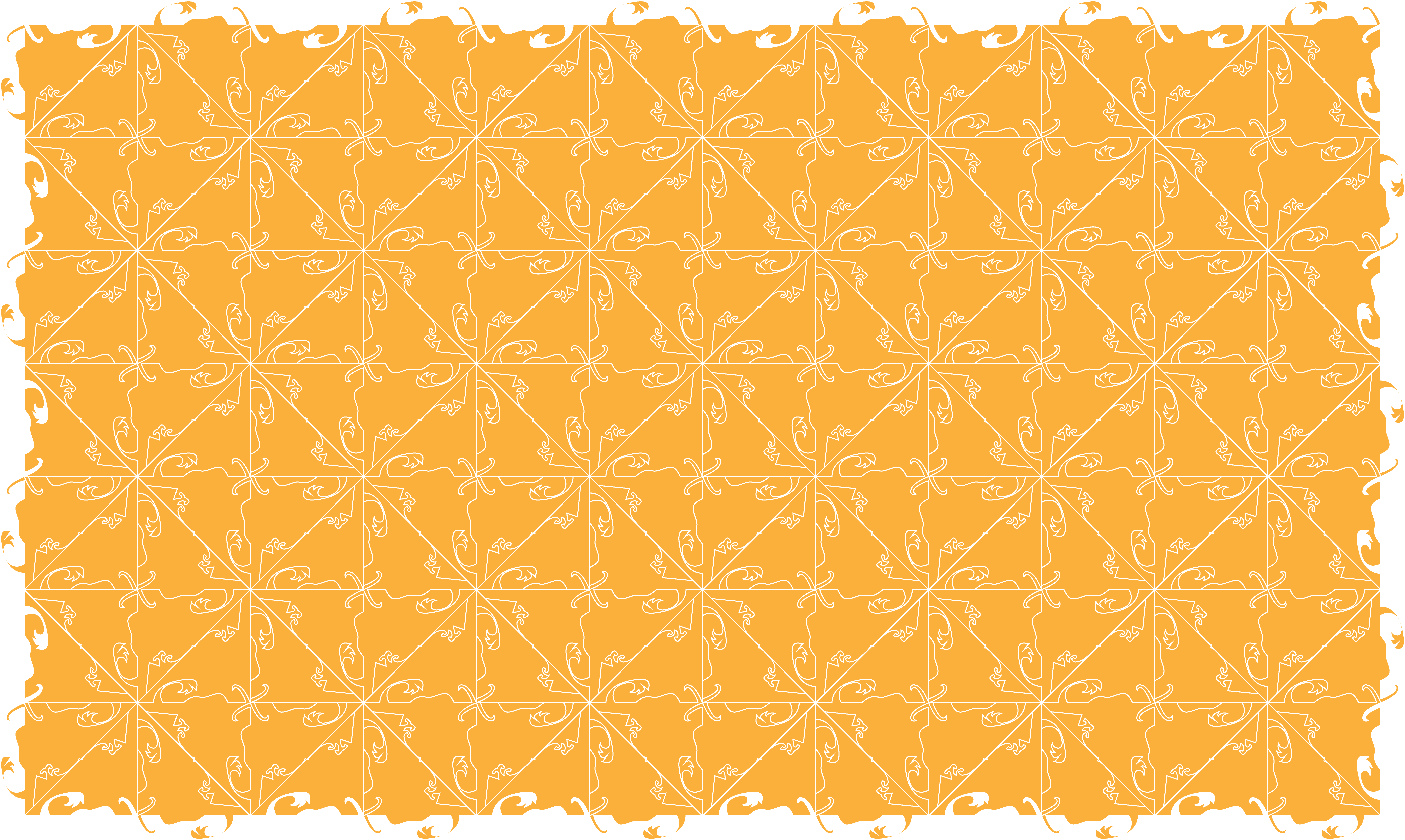
Another piece done in Illustrator--this piece is my individual design of Tessellation. The inspiration was taken from a character named Wortox in the game Don't Starve Together--you can see his tail in the design. I designed this large tesselation piece after the first exercise in Art103 to use as a background for my website.
Medium: Processing, Java. Exported into video using Adobe Premier and Adobe Encoder
This work was created using java and Processing, then produced into video through Premier and Encoder. The main theme of this piece came from the function random--a variety of rectangle shapes appear in the background in variety of gray adds depth to the piece. The wheel in front is created by many draw shape functions--the goal of this wheel is to add some stability to the work. The waves along the four borders were originally more wide and flowy, however while I still keep that version in the code, I decided this chaostic waves fit the overall aesthetic of the piece more.
Medium: Processing, Java. Exported into video using Adobe Premier and Adobe Encoder
This work was the second exercise I made during Art101. The objective was to create a custom function that can be called to draw an object instead of manually using many shape, and also to experiment with matrix. I constructed this clock mainly out of three custom functions--square, quad and circle; the rest are simple native processing function such as line, rotate, font. I'm happy with how the work turned out--I wanted to draw something concise, clean and visualially pleasing in contrast to the first code drawing DigiWheel (which relied on randomness for its appeal).
Medium: Processing, Java. Exported into video using Adobe Premier and Adobe Encoder.
The second project in Art101. The goal was to create a class which is implemented with a algorithm--I chose recursion to draw a blooming tree. The aesthetic I was going for was the old asian coin which consists of a round coin with a square hole; that and the phrase money don't grow on tree. I wanted to create a visual appealing work that is a utilize randomness to create an appealing visual. When I was making this piece, there was attention being paid to the rise of Asian hate crimes, being an international student living in the US, I embraced randomness and learnt to rise above it to live during this trying time.
Medium: Adobe After Effect. Export into video with Adobe Encoder.
This is the second project in Art 105 which focused on motion graphic. My inspiration for this came from an illustration on a Western tales I read as a kid--the illustration depicted a man sitting on top of a tree, holding a big scissor, trying to cut the sun that was scorhing the land. The narrative of a sawblade cutting the moon in half is my literal take on the moon wanning; the piece also illustrate my feeling of the current trend of human discarding logic, following hatred and hurting one another like back in medival time where the sleep of reason produces monsters. The spark was made with text tool in After Effect--I picked up that trick from a tutorial and has been using it ever since.
Medium: Blender. Rendered with Eevee.
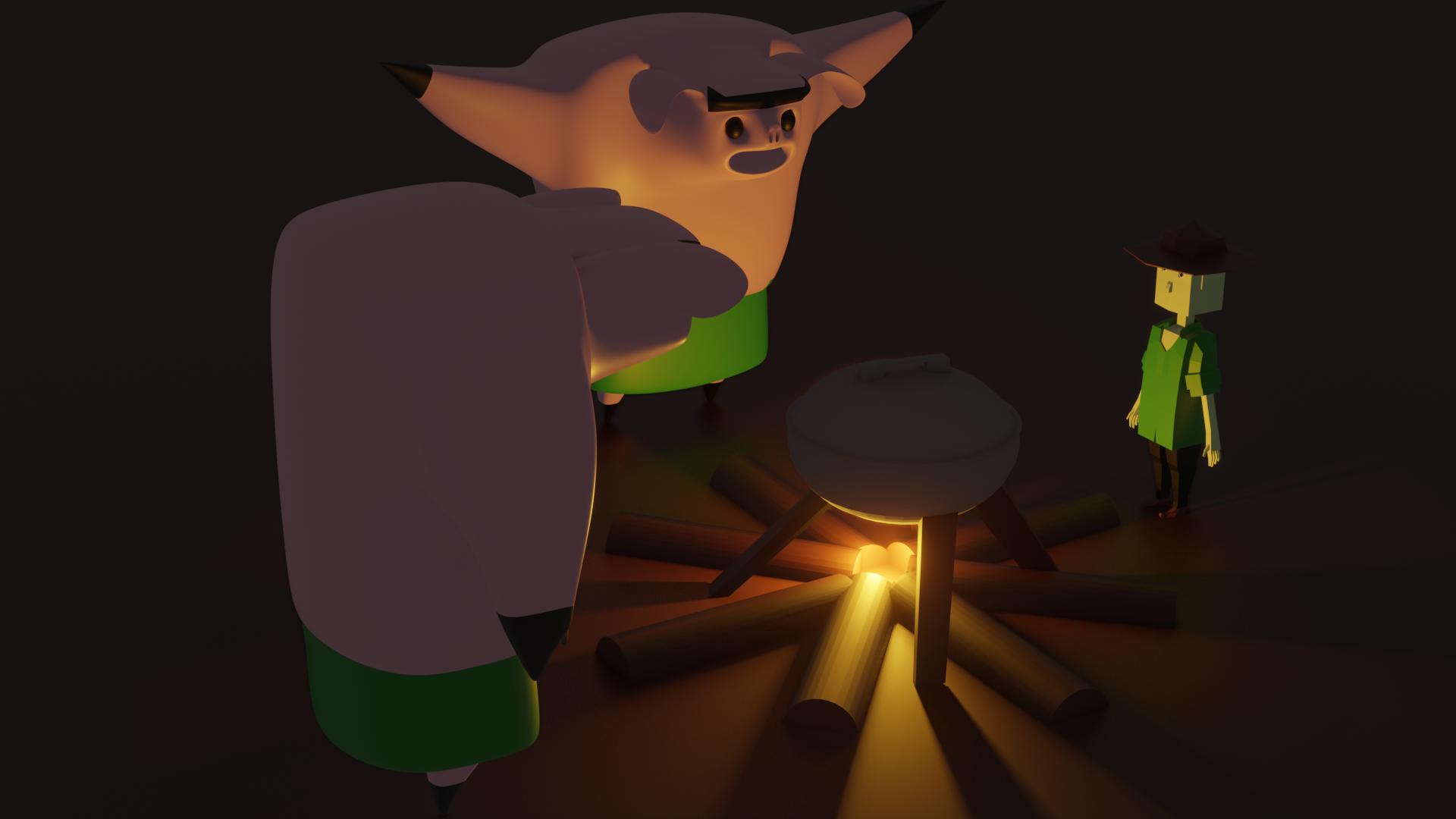
This piece was the first project in Art 102. I took inspiration from the pig in the game Don't Starve Together: pigs--who are very afraid of the dark--were happy to be basked light of the fire, thus started dancing at the campfire. To my mind, having pigs show happiness over such simple thing was such a good world building by the developer--I hope my work did them justice.
Medium: Blender. Rendered with Eevee.
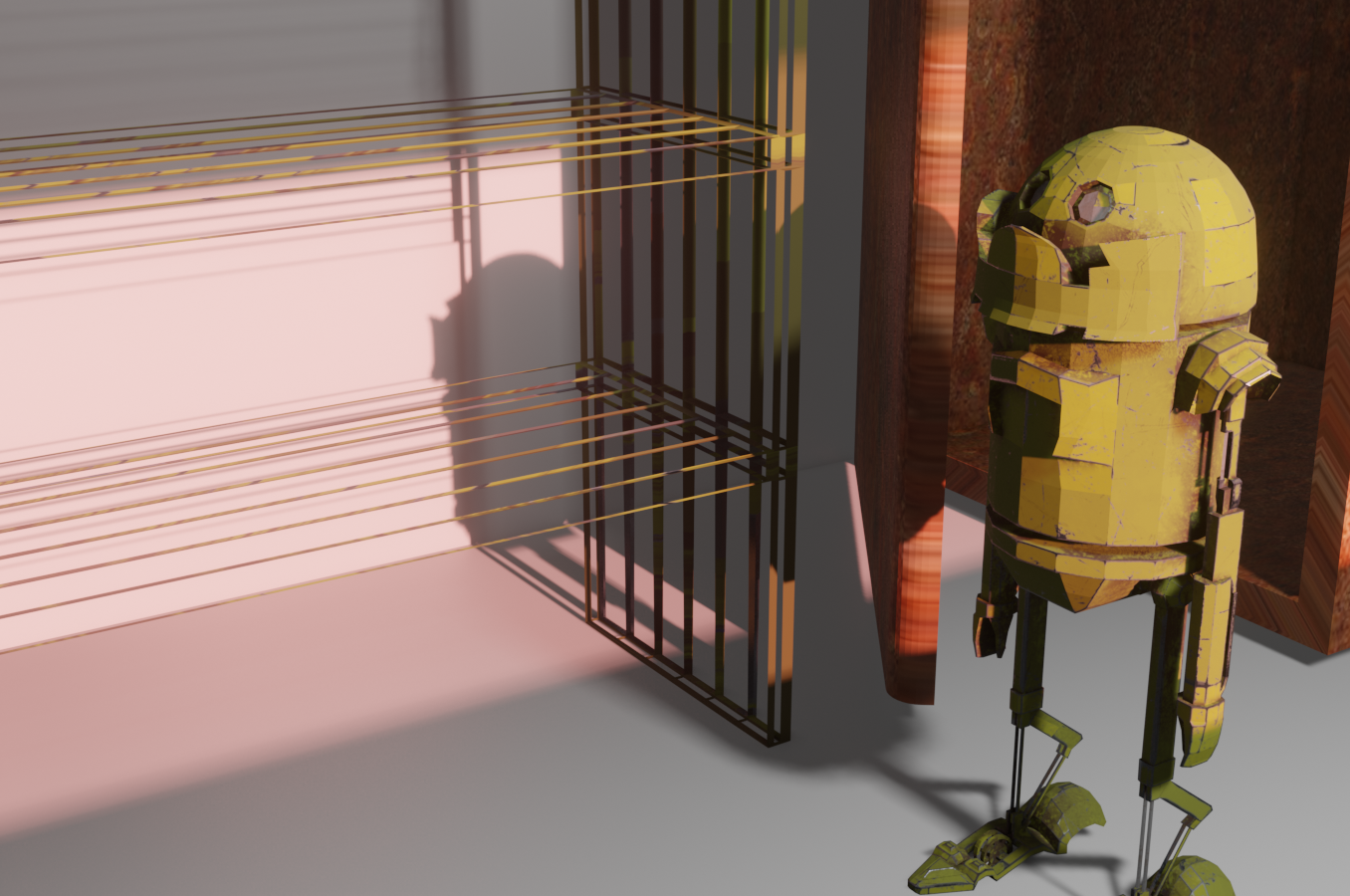
I don't know why my robot came out looking like R2 from Star Wars--the character was my OC. This work is the second project in Art 102 where we build our own avatar. My inspiration actually came from Wall-E--I wanted to create the kind of robot that would likely be used in post-apocalyptic world; as such, I modeled the robot with that goal in mind: simple, resilient, able to travel multi-terrains, and weather proof as much as possible. As you can see, the work is still in progress--the room is robot is in is an old warehouse, and I have decided to do more research on what to include instead of just putting stuff in willy nilly.